Log spending
Add expenses manually or scan receipts, then organise and review purchases by category.
An Android app by Tymer Studios
 Stackr
Track expenses, plan budgets and get AI-generated commentary about the purchases you log. Stackr does not require a bank connection.
What you can do
Add expenses manually or scan receipts, then organise and review purchases by category.
Set category budgets, plan recurring bills, track savings goals and view estimated spending pace.
Get AI-generated roasts about the purchases you log. They are for entertainment, not financial advice.
These features are summarised from the Google Play listing. Availability may vary by app version and plan.
Data and privacy
Manual expense tracking works offline and your transaction data is stored on your device by default. Receipt scanning and AI roast generation require internet access and send relevant content to cloud services for processing. Optional online features have their own data handling. Stackr does not require you to connect a bank account.
From Google Play
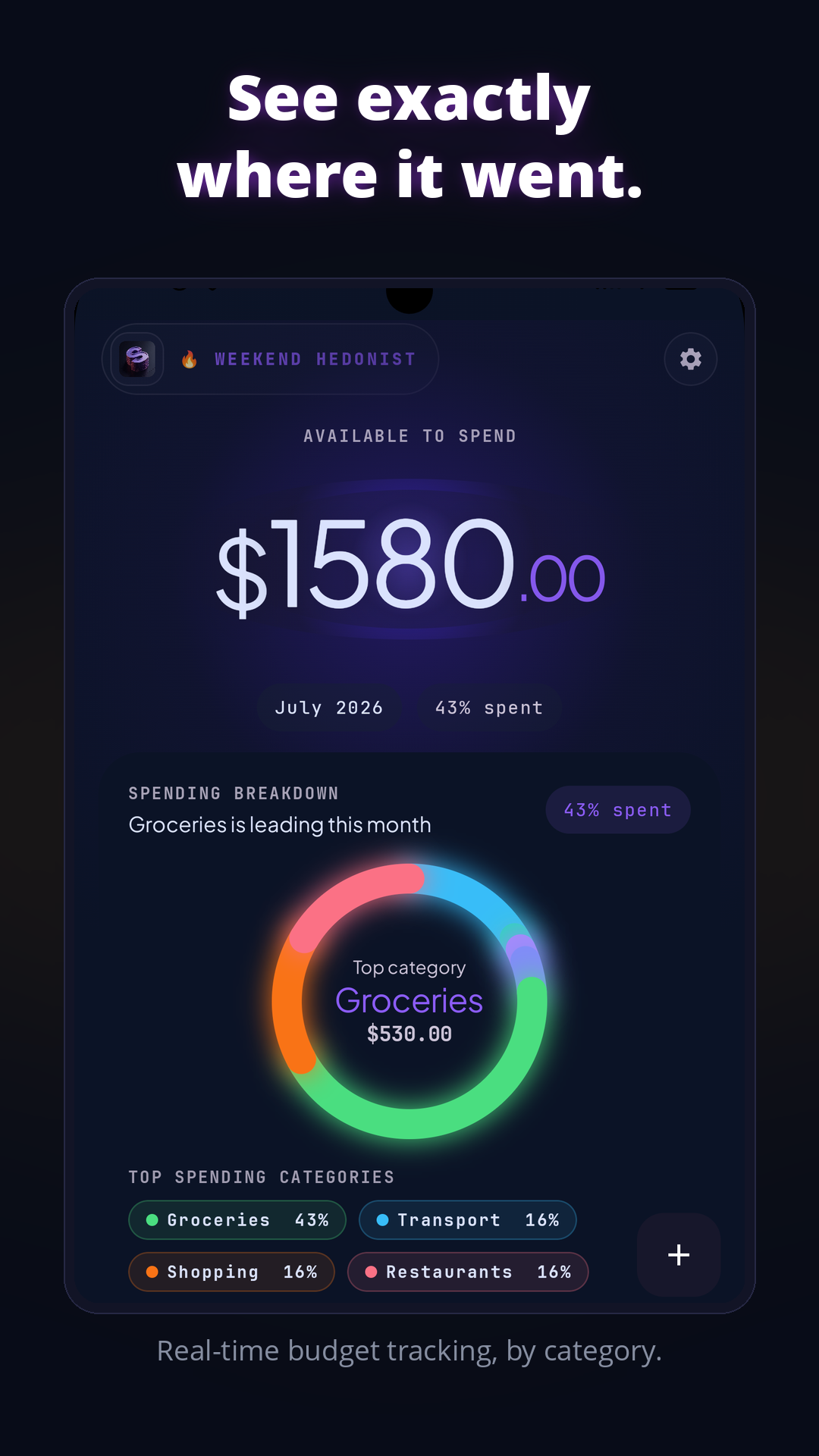
A Play listing image illustrating category spending.
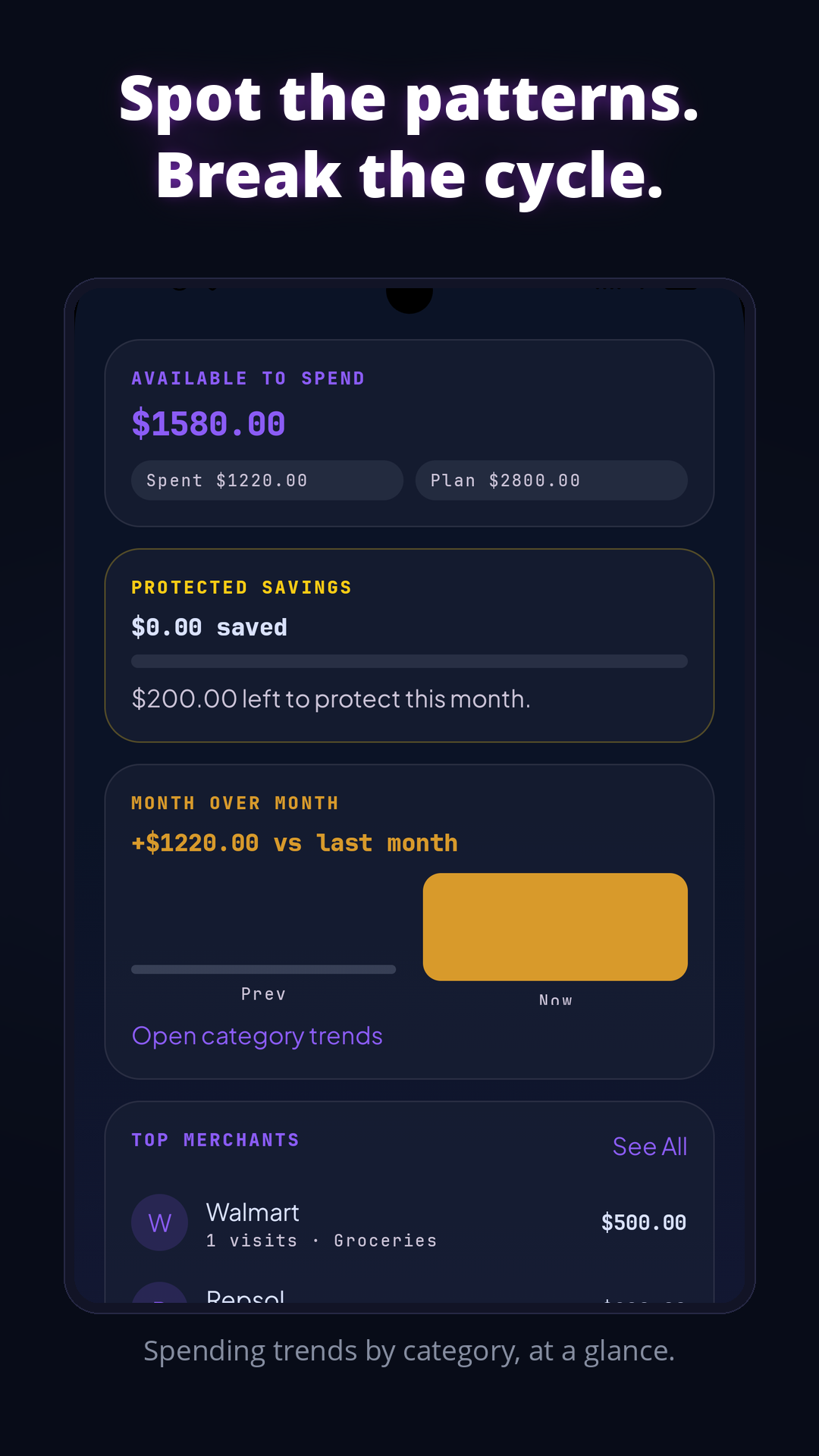
A Play listing image showing category trends and merchant summaries.
Get Stackr
Stackr is available on Android through Google Play. The listing and in-app purchase screen show the current plans and prices; this page does not repeat prices that may change.